
Continuing our quest for better Lighthouse scores, more reader privacy, and less JavaScript, today we attacked the next biggest culprit 👉 Twitter.
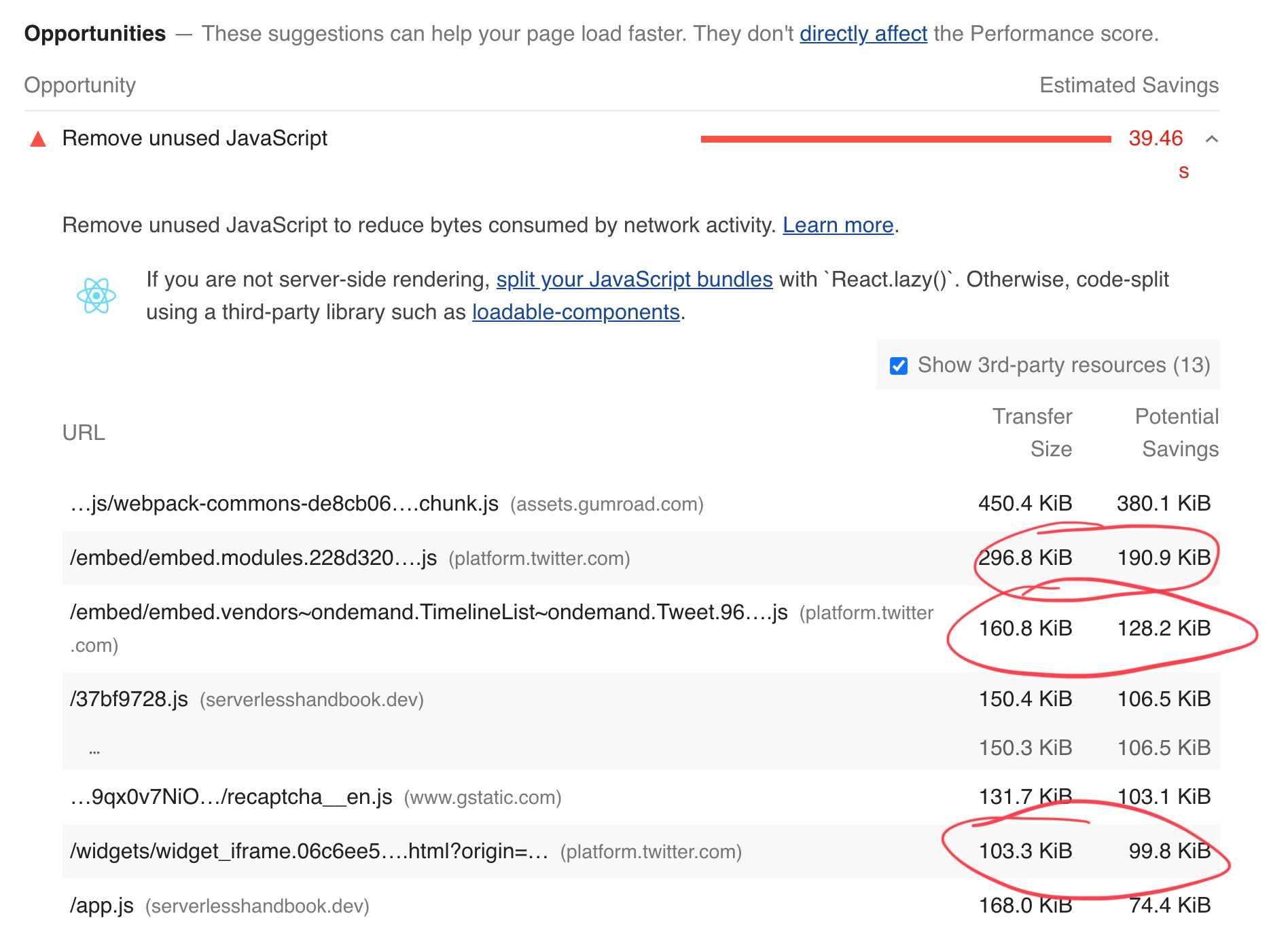
560KB of JavaScript to display unchanging tweets 😱
CodeWithSwiz is a weekly live show. Like a podcast with video and fun hacking. Focused on experiments and open source. Join live Tuesday mornings
How tweet embeds work
Twitter uses the oEmbed Protocol to specify embeds. A request to https://publish.twitter.com/oembed?url=<tweet_url> returns the HTML to use and some metadata.
{url: 'https://twitter.com/AdamRackis/status/1388192278884331530',author_name: 'Adam Rackis',author_url: 'https://twitter.com/AdamRackis',html: '<blockquote class="twitter-tweet" data-dnt="true"><p lang="en" dir="ltr">My man <a href="https://twitter.com/Swizec?ref_src=twsrc%5Etfw">@Swizec</a> went and sent me a signed first edition of this soon to be classic 👊 <a href="https://t.co/Gw8cTIY7pH">pic.twitter.com/Gw8cTIY7pH</a></p>— Adam Rackis (@AdamRackis) <a href="https://twitter.com/AdamRackis/status/1388192278884331530?ref_src=twsrc%5Etfw">April 30, 2021</a></blockquote>\n',width: 550,height: null,type: 'rich',cache_age: '3153600000',provider_name: 'Twitter',provider_url: 'https://twitter.com',version: '1.0'}
Put that HTML on your page and it renders as a quote.
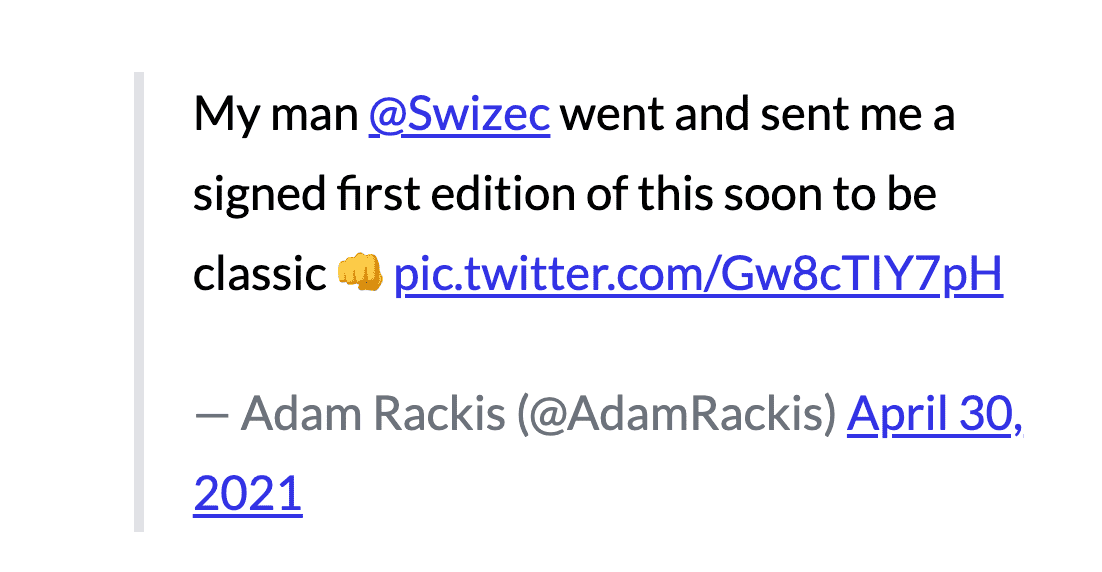
Works fine, doesn't look great.
Twitter's embed JavaScript – which you load globally – looks for <blockquote> elements with the .twitter-tweet class and turns them into iframes. Yes a whole iframe for each tweet.
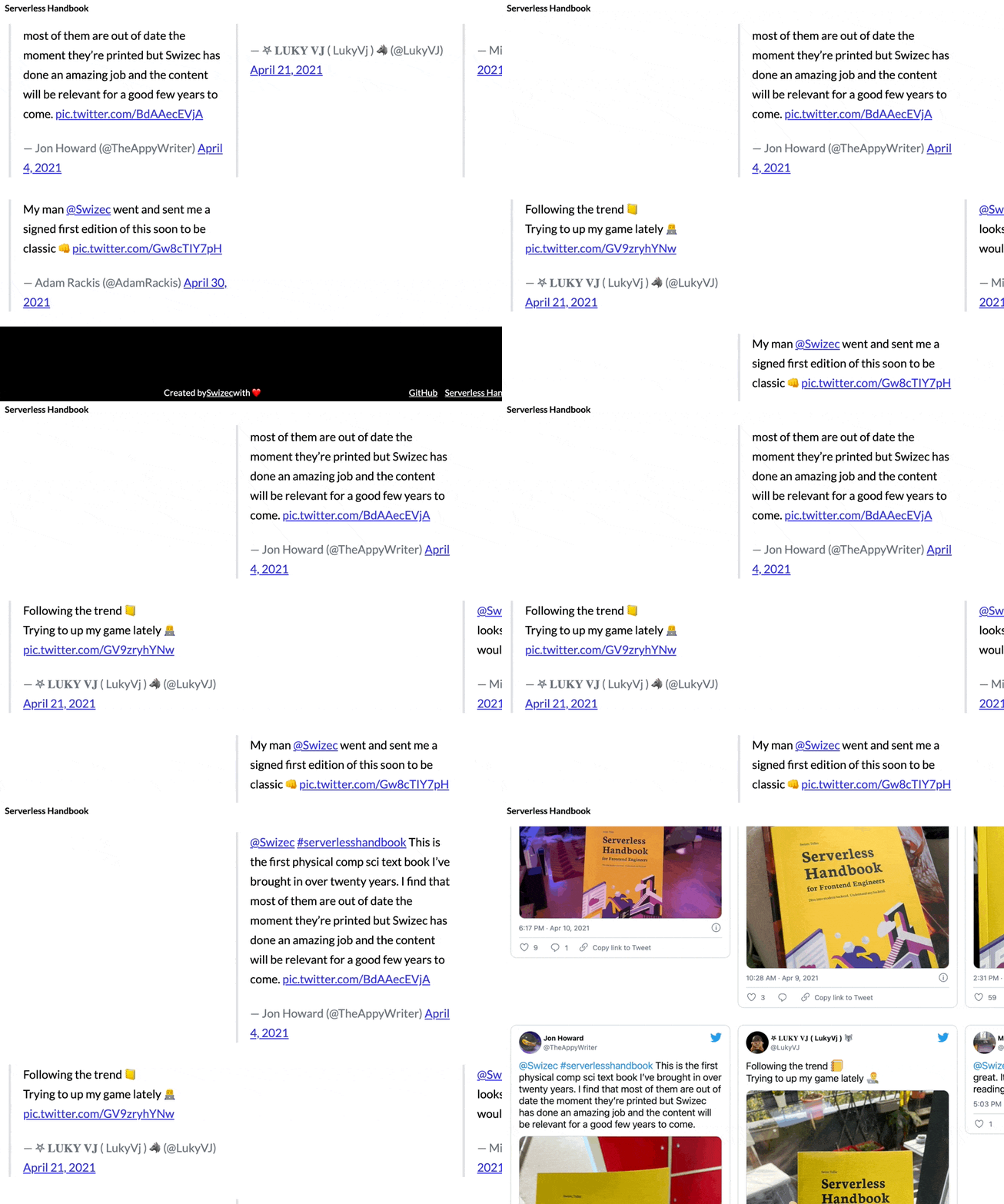
Keep watching, they turn eventually
Slow and looks bad. Each of those tweets, an iframe, runs 20+ requests, transfers over 1.5MB of data, and runs who knows how many ad trackers 💩
How we're fixing it
Inspiration for this hack comes from @wongmjane. Best I can tell, she didn't opensource her code. Gonna share mine when it's ready ✌️
Tweets embed on my blog are now statically-generated as part of the page and its images are optimized using Next.js 10’s <Image /> component
— Jane Manchun Wong (@wongmjane) November 21, 2020
Meaning:
- the tweets are available at page load
- no more cumulative layout shift (page jumping around) caused by loading embed tweets pic.twitter.com/fWCpiNN4Bo
Gonna replace the twitter machinery with custom CSS+HTML. No client-side code required.
We got pretty far:
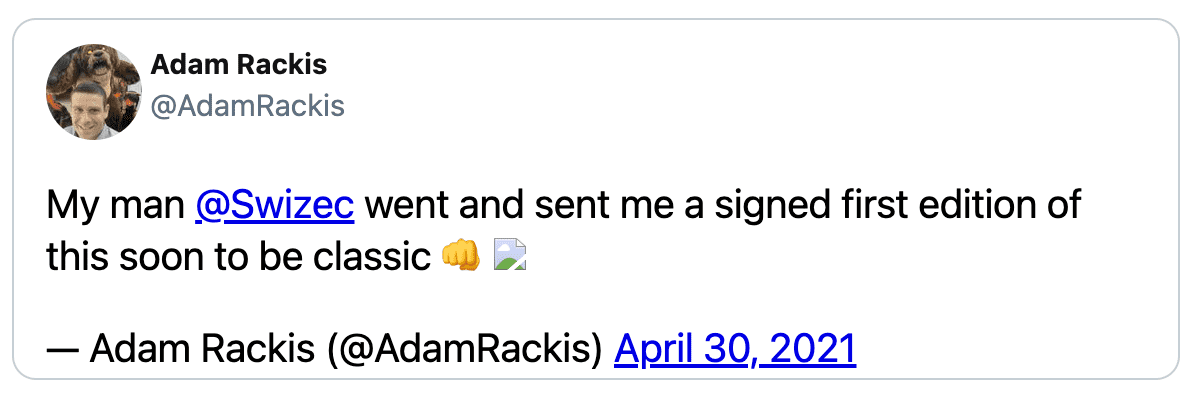
Looks like a tweet, lacks picture embeds and likes, the avatar is faked.
How static-tweet-embed works
At the core of my approach is the gatsby-remark-embedder plugin. Runs embeds when you build your site, supports grabbing oembed data, has built-in caching.
And you can hook into the embed process with custom plugins. 🤘
// gatsby-config.js// ...{resolve: "gatsby-remark-embedder",options: {// StaticTwitterEmbed is newcustomTransformers: [YoutubeTransformer, StaticTwitterEmbed],services: {Instagram: {accessToken: process.env.INSTAGRAM_OEMBED_TOKEN,},},},
The StaticTwitterEmbed plugin doesn't do much yet – detects tweets, spits out oembed data, returns hello world.
/src/ESTabcdeeiimrttttw.js;const official = require("gatsby-remark-embedder/dist/transformers/Twitter");const {fetchOEmbedData,} = require("gatsby-remark-embedder/dist/transformers/utils");async function getHTML(url) {const twitterUrl = url.replace("events", "moments");const oembed = await fetchOEmbedData(`https://publish.twitter.com/oembed?url=${twitterUrl}&dnt=true&omit_script=true`);console.log(oembed);return `<p>Hello world</p>`;}module.exports = {getHTML,shouldTransform: official.shouldTransform,};
Much of the code comes from the original Twitter transform. No need to rewrite shouldTransform (detects twitter links), or the fetchOEmbedData functions.
Returning <p>hello world</p> helps verify the plugin lives.
Creating a static tweet
Rebuilding Gatsby for every change would be slow. We used a static HTML file instead.
<div id="target"></div><style></style><script>const oembed = { ... }const html = oembed.htmldocument.getElementById('target').innerHTML = html</script>
First stab showed that an HTML blockquote shows up when you take it from oembed data and inject on the page. Old school vanilla JavaScript :)
After that it's a schlep.
Take a tweet iframe's URL, render in a tab, steal borrow CSS with your browser devtools. Add custom HTML when necessary.
We've got this for building the HTML:
const handle = oembed.author_url.replace("https://twitter.com/", "");// TODO: make API callconst authorImg ="https://pbs.twimg.com/profile_images/1183169082243375104/FwXKVe5H_x96.jpg";const author = `<a class="author" href="${oembed.author_url}"><img src="${authorImg}" /><b>${oembed.author_name}</b>@${handle}</a>`;const tweet = oembed.html.replace(/pic.twitter.com\/(\w+)/,'<img src="https://pic.twitter.com/$1" />');const html = `<div class="static-tweet-embed">${author}${tweet}</div>`;
Can't use React because there's no React inside gatsby-remark-embedder. Gotta build a string 😅
Add a bunch of borrowed CSS and you get a decent-looking embed. Main thing was to find the font styles, colors, and border.
div.static-tweet-embed {display: flex;flex-direction: column;font-family: -apple-system, BlinkMacSystemFont, "Segoe UI", Roboto, Helvetica,Arial, sans-serif;max-width: 550px;width: 100;margin-top: 10px;margin-bottom: 10px;border: 1px solid rgb(196, 207, 214);border-radius: 12px;padding: 12px 16px 4px 16px;}
And then we got stuck
You can't guess the avatar URL from someone's username, you can't guess image embed URLs from the HTML, and you don't get info about likes and retweets.
💩
Next week, we're gonna use the Twitter API to solve that problem
Cheers,
~Swizec
Learned something new?
Want to become a high value JavaScript expert?
Here's how it works 👇
Leave your email and I'll send you an Interactive Modern JavaScript Cheatsheet 📖right away. After that you'll get thoughtfully written emails every week about React, JavaScript, and your career. Lessons learned over my 20 years in the industry working with companies ranging from tiny startups to Fortune5 behemoths.
Start with an interactive cheatsheet 📖
Then get thoughtful letters 💌 on mindsets, tactics, and technical skills for your career.
"Man, love your simple writing! Yours is the only email I open from marketers and only blog that I give a fuck to read & scroll till the end. And wow always take away lessons with me. Inspiring! And very relatable. 👌"
Have a burning question that you think I can answer? I don't have all of the answers, but I have some! Hit me up on twitter or book a 30min ama for in-depth help.
Ready to Stop copy pasting D3 examples and create data visualizations of your own? Learn how to build scalable dataviz components your whole team can understand with React for Data Visualization
Curious about Serverless and the modern backend? Check out Serverless Handbook, modern backend for the frontend engineer.
Ready to learn how it all fits together and build a modern webapp from scratch? Learn how to launch a webapp and make your first 💰 on the side with ServerlessReact.Dev
Want to brush up on your modern JavaScript syntax? Check out my interactive cheatsheet: es6cheatsheet.com
By the way, just in case no one has told you it yet today: I love and appreciate you for who you are ❤️